Easy
Start paying immediately with a one-time setup, even before you sign the lease.
Protect your rental history by never missing a payment again. Pay your rent automatically or reply to a reminder, all from one secure tenant portal.
With every way to pay, you get the flexibility to choose the payment option that works best for you.
Start paying immediately with a one-time setup, even before you sign the lease.
Pay rent the way that works for you: PayTo, bank account, PayID or credit card.
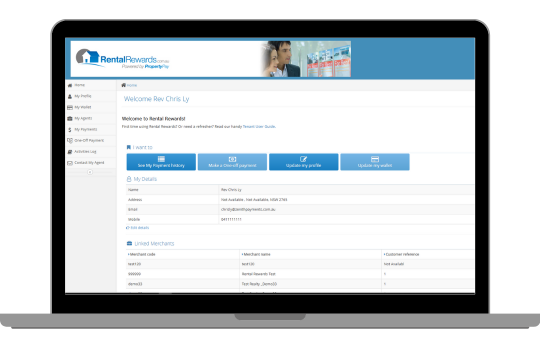
A secure tenant portal for your payment history and scheduled payments.
Pay rent 24/7, whenever it suits you.
A secure wallet for your bank accounts, so you can switch accounts easily.
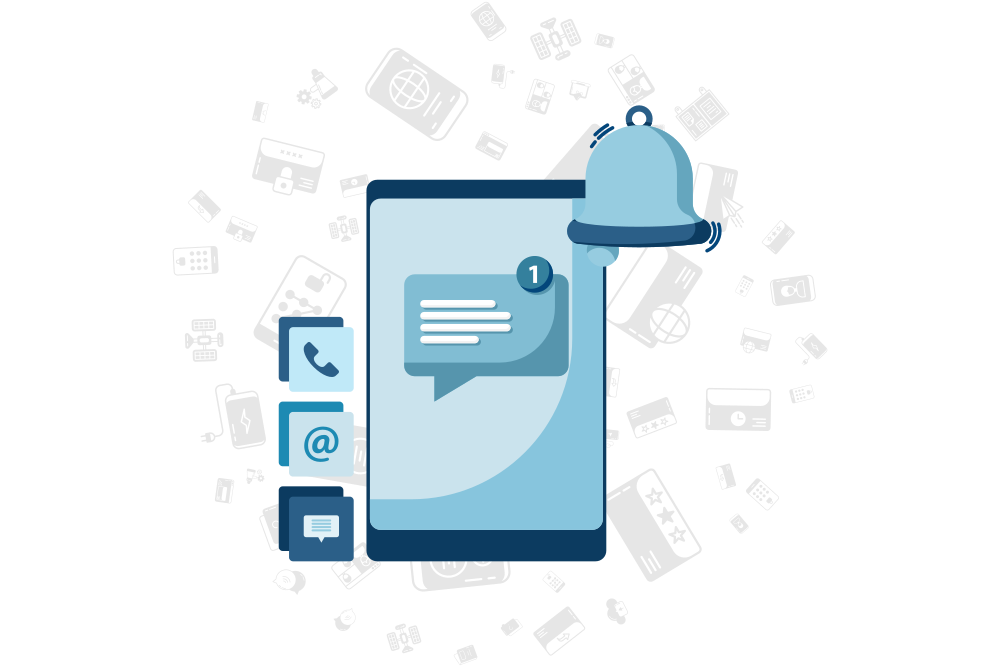
Choose the way you pay your rent: Set & Forget, or SMS and email rent reminders.
Rent is debited automatically from your nominated bank account or PayTo agreement when it is due, so you never have to remember to pay your rent again.
Get a prompt SMS or email reminder that keeps you on schedule. To pay, simply reply “Yes”.
Setting up takes two short steps: register your account, then verify your bank account.
Click the link in the email from your real estate agency, complete the form and click ‘Proceed’.
On the next screen, tick the box to confirm you have read the Terms and Conditions, then click ‘Set Up Now’.
A screen confirms your payments are set up, and a confirmation email is sent to the email address you provided.
To protect you from fraud, we ask you to verify your bank account. We make a 1 cent deposit into your nominated account to confirm you own it. Here is how to complete verification:
Find our 1 cent deposit and note the unique verification code (V-code) in the transaction description.
Go to ‘Wallet’, select ‘Verify’, enter the V-code and click ‘Save’. Log in now.
That’s it! Your payments will start on schedule.
Step-by-step help with your portal: make or schedule a one-off payment, add a bank account or PayTo, change your payment preferences and more.
Read the tenant guideVisa, Mastercard and American Express credit cards are accepted. You can also pay with Apple Pay, Google Pay or Alipay+.






If you have any questions about your account, our friendly Rental Rewards support team is happy to help.